
Finding the best AI laptops for students shouldn’t mean spending your entire tuition budget. In 2026, the real game-changer isn’t raw power—it’s AI Efficiency. For most students, the perfect laptop is one that can summarize a 200-page PDF in seconds, enhance your video calls for remote internships, and last through back-to-back lectures without needing a charger.
We’ve tested the latest “Copilot+” PCs and MacBooks to find the best AI-ready laptops that won’t drain your bank account. Here are our top 5 picks for students under $1,000.
1. The Best Value Choice: Acer Aspire 14 AI
When searching for the best AI laptops for students on a budget, this model stands out for its balance of price and performance. If you want the most affordable entry into the world of AI PCs, the Acer Aspire 14 AI is the clear winner. While other brands charge a premium for the “AI” label, Acer has managed to pack a dedicated Neural Processing Unit (NPU) into a chassis that costs hundreds less.
- Why it’s perfect for students: It features a dedicated Copilot key for instant access to AI assistance and uses Intel AI Boost to handle tasks like live captions and background noise removal locally, saving your battery for actual work.
- The “Boom” Factor: You get a sturdy aluminum build and over 17 hours of battery life for roughly $700.
View more on Acer Aspire 14 AI Copilot+ PC 14″ Wuxga Intel Core Ultra$549.00Acer 4.6 (60)
2. The Battery King: Apple MacBook Air M4
Many consider the MacBook Air to be among the best AI laptops for students due to its seamless integration of hardware and software. Apple recently refreshed the MacBook Air with the M4 chip, and it remains the gold standard for student portability. The highlight here is the 16-core Neural Engine, which is specifically designed to run “Apple Intelligence” features like writing tools and image generation.
- Why it’s perfect for students: It is completely silent (fanless)—meaning no loud whirring in a quiet library—and the battery can realistically last up to 18 hours.
- The “Boom” Factor: With the Education Discount, you can snag this for $899, making it the most powerful AI-integrated laptop in its price bracket.

View more on https://www.apple.com/shop/buy-mac/macbook-air
3. The Windows Ultimate: Microsoft Surface Laptop (7th Edition)
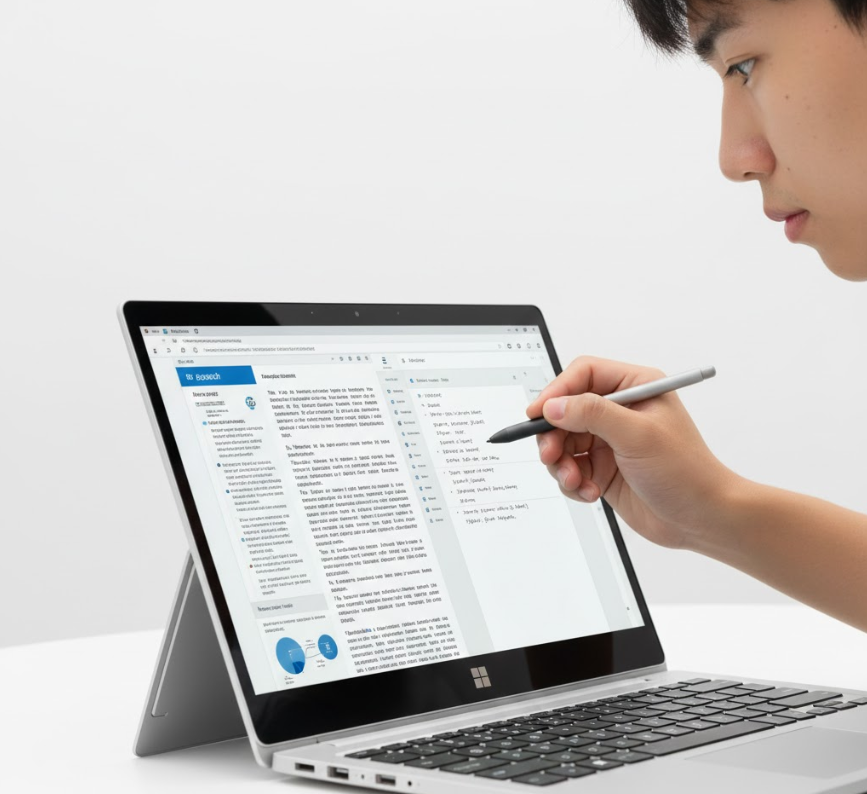
If you prefer a touchscreen and the purest Windows experience, the new Surface Laptop is a beast. Powered by the Snapdragon X Plus, it is one of the few Windows laptops that truly rivals the MacBook’s battery life.
- Why it’s perfect for students: The 3:2 aspect ratio screen is taller than normal laptops, which means you see more of your Word documents and research papers with less scrolling.
- The “Boom” Factor: It’s ultra-lightweight at under 3 lbs and starts at $899 for the 13.8-inch model.
View more on https://www.microsoft.com/en-za/surface/devices/surface-laptop-7th-edition
Quick Comparison: Which Student AI Laptop is Right for You?
| Feature | Acer Aspire 14 AI | MacBook Air M4 | Surface Laptop 7 |
|---|---|---|---|
| Best For | Budget Value | Creative Pro | Writing/Productivity |
| Battery Life | 17 Hours | 18 Hours | 20 Hours |
| AI Engine | Intel AI Boost | 16-Core Neural | Snapdragon NPU |
| Price | ~$749 | ~$899 (Edu) | ~$899 |
Pros & Cons: Which One Should You Choose?
When comparing the best AI laptops for students, battery life is often the deciding factor. While these are the best AI laptops for students under $1,000, always consider your specific software needs before buying. To make your decision easier, here is a quick breakdown of the strengths and weaknesses of our top three picks:
- Acer Aspire 14 AI
- Pros: Incredible value for money; includes a dedicated Copilot key; premium aluminum build.
- Cons: The display isn’t as color-accurate as the MacBook’s.
- Apple MacBook Air M4
- Pros: Exceptional 18-hour battery life; completely silent (no fans); best-in-class trackpad.
- Cons: Limited to two external displays; more expensive if you aren’t a student.
- Microsoft Surface Laptop (7th Edition)
- Pros: High-quality 3:2 touchscreen; lightweight and highly portable; excellent AI integration.
- Cons: Some legacy software may require updates to run on the newer Snapdragon chip.
Final Verdict: The Best AI Laptop for You
Ultimately, choosing the best AI laptops for students depends on your specific major and budget. If you are looking for the absolute cheapest entry into AI computing, the Acer Aspire 14 AI is unbeatable. For those who want the most reliable and portable machine for creative work, the Apple MacBook Air M4 is the gold standard.
However, if your priority is writing, research, and versatility, the Microsoft Surface Laptop offers the best Windows experience on the market today.